
Bicycle store website with a 3D bike viewer template
Retail stores · Store · 3D, interactive
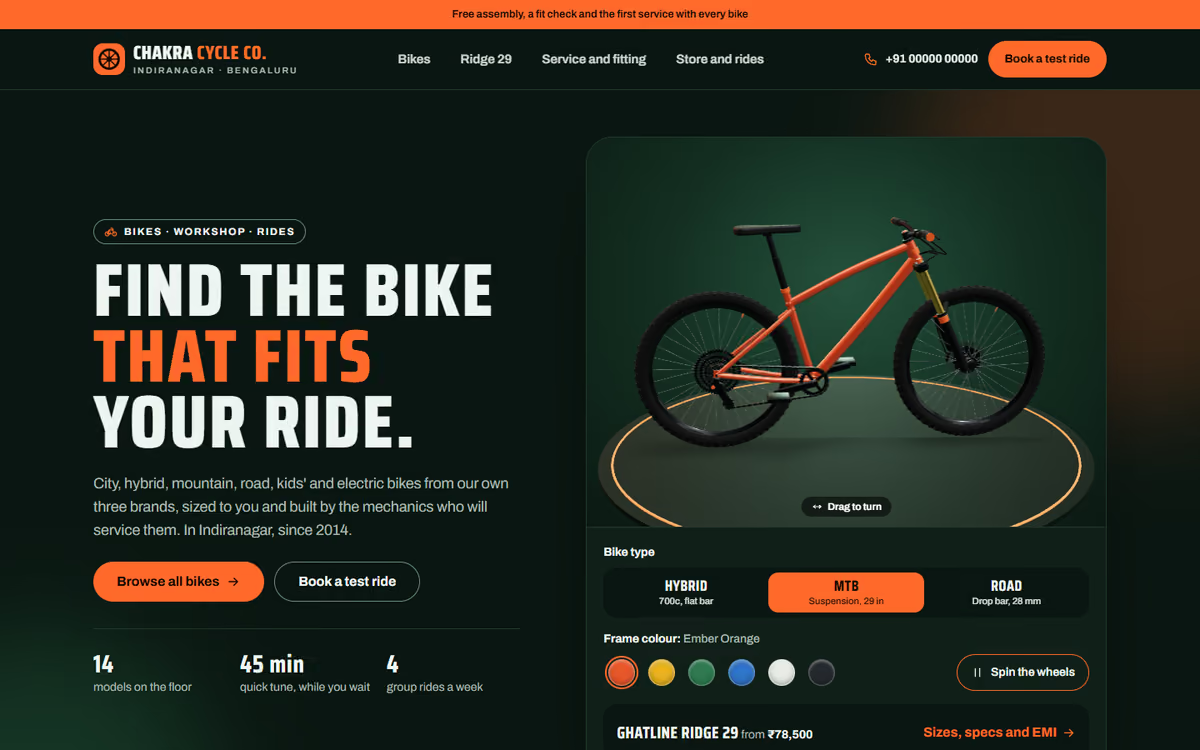
A bicycle store website with a 3D bike that switches between hybrid, mountain and road frames, six colours, a catalogue with filters, a frame size finder, EMI, service booking and community rides.
What this template is for
This bicycle store website template is for bike shops that sell city, hybrid, mountain, road, kids and electric bicycles and run a workshop. The hero is a bicycle in real 3D: the visitor can turn it round, switch between hybrid, mountain and road frames, try six colours and set the wheels and chain spinning. It ships with a fictional Bengaluru store and fictional house brands, so you can click through every page first.
The template has five pages:
- Home: the 3D bike, bike types, photos, the workshop and the weekend rides.
- Bikes: 14 sample bikes with filters for type, budget, frame size and gears, and sorting.
- Bike details: the big 3D viewer, sizes, a frame size finder from the rider’s height, specs, an EMI calculator and a side-by-side comparison.
- Service and bike fitting: service packages, a price list for single jobs, fitting levels and a booking form.
- Store and community rides: a rides calendar, a test ride form, timings, a drawn map and an FAQ.
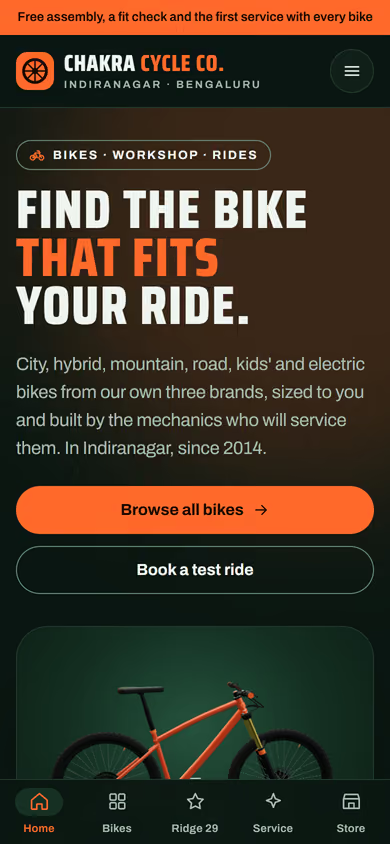
The 3D runs in the browser with no app or plug-in. On phones, a tab bar at the bottom keeps all five pages one tap away.
The static version uses sample bikes, prices and ride dates. When we make it dynamic, your bikes, sizes, stock and prices come from an admin panel, customers can reserve a bike and pay online by UPI, service bookings and test rides go to your CRM with a WhatsApp alert, and members can sign up for rides.
Pages included
- HomeView Home
- BikesView Bikes
- Ghatline Ridge 29View Ghatline Ridge 29
- Service and bike fittingView Service and bike fitting
- Store and community ridesView Store and community rides
Features
- 3D bike with hybrid, mountain and road frames, six colours and spinning wheels
- Catalogue with type, budget, frame size and gear filters
- Frame size finder from the rider’s height
- Specs table, EMI calculator and bike comparison
- Service packages, bike fitting and a booking form
- Community rides calendar and test ride form
- Mobile-first layout with a bottom tab bar on phones
Static template or dynamic site?
- Admin panel for bikes, sizes, stock and prices
- Online reservations with Razorpay / UPI payments
- Service bookings and test rides saved to your CRM, with WhatsApp alerts
- Ride sign-ups and member accounts
- Real database with daily backups
- Full SEO setup and a cycling blog
| Feature | Static template | Dynamic (we build it) |
|---|---|---|
| Content edits | Developer edits code | Admin panel — you edit it yourself |
| Login / users | — | ✓ |
| Forms | Email only | Saved to your CRM, WhatsApp alerts |
| Payments | — | Razorpay / UPI |
| Data | Sample data | Your real data, database and backups |
| SEO | Basic | Full SEO setup and a blog |
Questions about templates
What is the difference between a static and a dynamic template?
A static template is a ready-made design with sample content: it looks finished, but a developer has to edit the code to change anything. A dynamic version is one we build for you, with an admin panel to edit content yourself, logins, forms saved to your CRM with WhatsApp alerts, Razorpay or UPI payments, your real data in a database with backups, and a full SEO setup with a blog.
How does “Make it dynamic” work?
Click “Make it dynamic” on the template you like, tick the extras you want (admin panel, payments, CRM, WhatsApp, SEO, custom domain) and send the form. We call you within one working day, confirm what you need and send you a written quote before any work starts.