
Biryani cloud kitchen website with a 3D handi template
Restaurants & food · Store · 3D, interactive
A biryani cloud kitchen website with a 3D handi that opens to show the biryani, a menu with filters and a cart, a build-your-handi page, party orders and delivery areas.
What this template is for
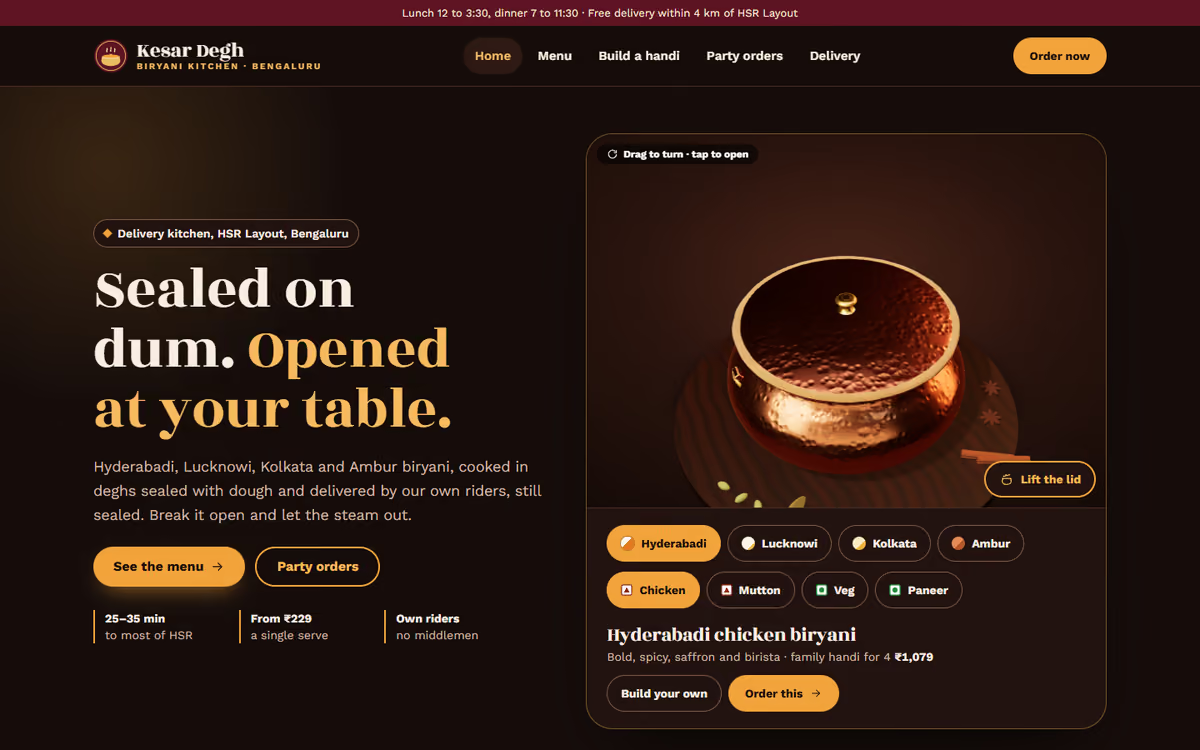
This cloud kitchen website template is for biryani kitchens and delivery-first restaurants that want orders on their own website. The hero is a sealed copper handi in real 3D: the visitor lifts the lid to see the rice and steam, and switches between Hyderabadi, Lucknowi, Kolkata and Ambur styles and between chicken, mutton, paneer and veg. It ships with a fictional Bengaluru kitchen and a sample menu, so you can click through every page first.
The template has five pages:
- Home: the 3D handi, bestsellers, what dum cooking means, the family handi, party orders and photos.
- Menu: 16 dishes with filters for style, protein, spice level and serving size, sides and a demo cart with GST.
- Build your handi: size, style, protein, spice level, pot and add-ons with a live price and a 3D preview.
- Bulk and party orders: a price table by number of guests, an estimate of quantities and cost, and an enquiry form.
- Order and contact: a pincode check for delivery zones, a drawn delivery map, kitchen hours, an FAQ and a contact form.
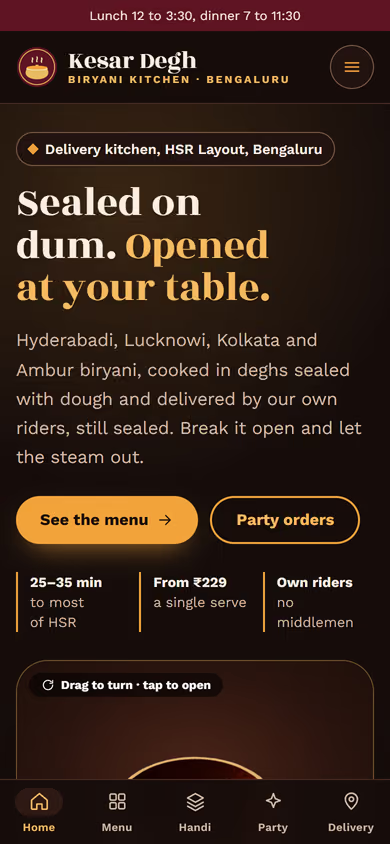
The 3D runs in the browser with no app or plug-in. On phones, a tab bar at the bottom keeps all five pages one tap away.
The static version uses a sample menu and prices, and orders do not go anywhere yet. When we make it dynamic, your menu, prices and delivery zones come from an admin panel, customers pay online by UPI, orders reach your kitchen screen and WhatsApp, and party enquiries go to your CRM.
Pages included
- HomeView Home
- MenuView Menu
- Build your handiView Build your handi
- Bulk and party ordersView Bulk and party orders
- Order and contactView Order and contact
Features
- 3D handi with a lid that opens, styles and proteins
- Menu with filters, serving sizes and a demo cart
- Build-your-handi page with a live price
- Party order price table and quantity estimator
- Pincode check for delivery zones and a delivery map
- Mobile-first layout with a bottom tab bar on phones
Static template or dynamic site?
- Admin panel for menu, prices, stock and delivery zones
- Online orders with Razorpay / UPI payments
- Orders on a kitchen screen and WhatsApp, with delivery status
- Party enquiries saved to your CRM
- Real database with daily backups
- Full SEO setup and area landing pages
| Feature | Static template | Dynamic (we build it) |
|---|---|---|
| Content edits | Developer edits code | Admin panel — you edit it yourself |
| Login / users | — | ✓ |
| Forms | Email only | Saved to your CRM, WhatsApp alerts |
| Payments | — | Razorpay / UPI |
| Data | Sample data | Your real data, database and backups |
| SEO | Basic | Full SEO setup and a blog |
Questions about templates
What is the difference between a static and a dynamic template?
A static template is a ready-made design with sample content: it looks finished, but a developer has to edit the code to change anything. A dynamic version is one we build for you, with an admin panel to edit content yourself, logins, forms saved to your CRM with WhatsApp alerts, Razorpay or UPI payments, your real data in a database with backups, and a full SEO setup with a blog.
How does “Make it dynamic” work?
Click “Make it dynamic” on the template you like, tick the extras you want (admin panel, payments, CRM, WhatsApp, SEO, custom domain) and send the form. We call you within one working day, confirm what you need and send you a written quote before any work starts.