
CA firm and tax consultant website template
Professional services · Website
A website for a chartered accountant or tax consultancy, with services and starting fees, a GST return filing page, two tax calculators and a consultation booking form.
What this template is for
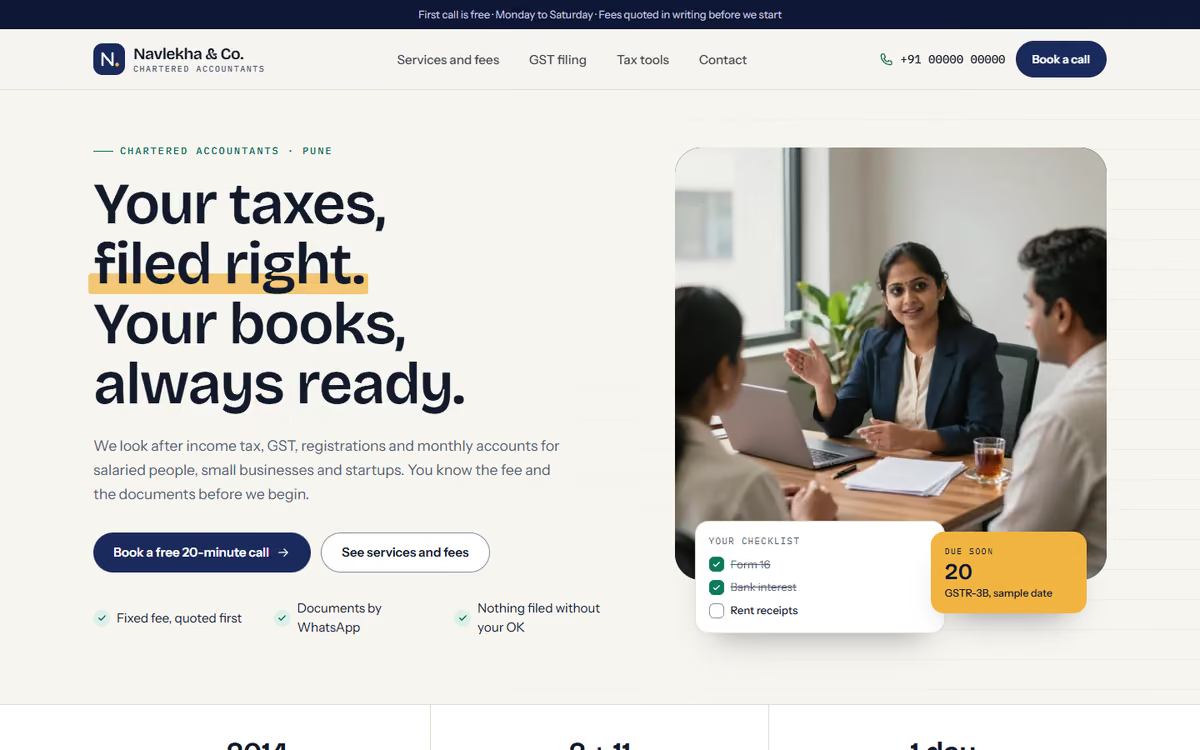
This CA firm website template is for chartered accountants and tax consultants who serve salaried people, small businesses and startups. It answers the three things a visitor wants to know: what it costs, which documents to send and whether the firm can be trusted. It ships with a fictional Pune firm, sample fees and a registration number clearly marked as sample, so you can click through every page first.
The template has five pages:
- Home: a services overview, who the firm is for, how it works in steps, a strip of sample compliance deadlines, why choose the firm and an enquiry call to action.
- Services and fees: a filter for individuals, businesses and startups, with each service card showing what is included, the turnaround time and a starting fee.
- GST return filing: the process in steps, a documents checklist the visitor can tick, monthly and quarterly plans, and FAQs.
- Tax tools: an old vs new regime income tax comparison marked as indicative only, and a GST calculator for inclusive and exclusive prices.
- Book a consultation: a form with service, entity type and preferred call time, plus the office address, hours and a drawn map.
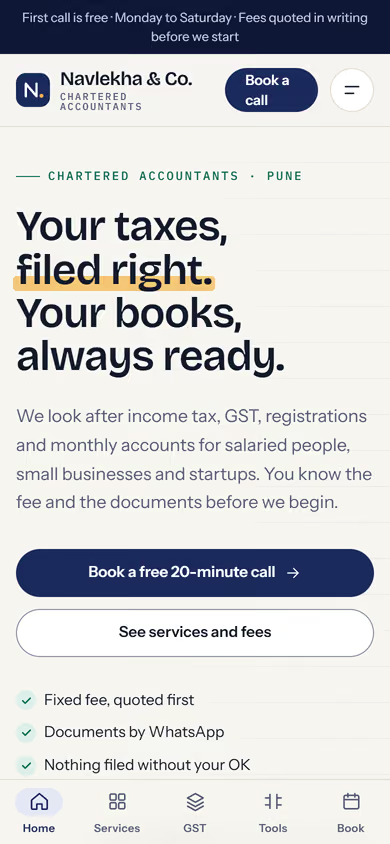
The design is calm and modern, with fees shown in rupees in Indian digit grouping. On phones, a tab bar at the bottom keeps all five pages one tap away.
The static version uses sample services, fees and deadline dates, and the booking form does not send anywhere yet. When we make it dynamic, you edit services and fees from an admin panel, consultation requests go to your CRM with a WhatsApp alert, the deadline strip is kept up to date by you, and clients can pay your fees by UPI.
Pages included
- HomeView Home
- Services and feesView Services and fees
- GST return filingView GST return filing
- Tax toolsView Tax tools
- Book a consultationView Book a consultation
Features
- Services filtered by individual, business and startup
- Service cards with inclusions, turnaround time and starting fee
- GST return filing page with steps, plans and FAQs
- Documents checklist that visitors can tick off
- Old vs new tax regime calculator, marked indicative only
- GST calculator for inclusive and exclusive amounts
- Consultation booking form with office hours and a drawn map
Static template or dynamic site?
- Admin panel to edit services, fees and plans yourself
- Consultation requests saved to your CRM, with WhatsApp alerts
- Compliance deadline strip you can update from the admin panel
- Razorpay / UPI payment of fees
- Real database with daily backups
- Full SEO setup and a blog for tax updates
| Feature | Static template | Dynamic (we build it) |
|---|---|---|
| Content edits | Developer edits code | Admin panel — you edit it yourself |
| Login / users | — | ✓ |
| Forms | Email only | Saved to your CRM, WhatsApp alerts |
| Payments | — | Razorpay / UPI |
| Data | Sample data | Your real data, database and backups |
| SEO | Basic | Full SEO setup and a blog |
Questions about templates
What is the difference between a static and a dynamic template?
A static template is a ready-made design with sample content: it looks finished, but a developer has to edit the code to change anything. A dynamic version is one we build for you, with an admin panel to edit content yourself, logins, forms saved to your CRM with WhatsApp alerts, Razorpay or UPI payments, your real data in a database with backups, and a full SEO setup with a blog.
How does “Make it dynamic” work?
Click “Make it dynamic” on the template you like, tick the extras you want (admin panel, payments, CRM, WhatsApp, SEO, custom domain) and send the form. We call you within one working day, confirm what you need and send you a written quote before any work starts.