
PG and hostel website with a 3D room and bed booking template
Hotels & travel · Website · 3D, interactive
A PG and co-living website with a 3D room that changes for single, double and triple sharing and AC, room filters with beds left, the weekly food menu, visit booking and bed reservation.
What this template is for
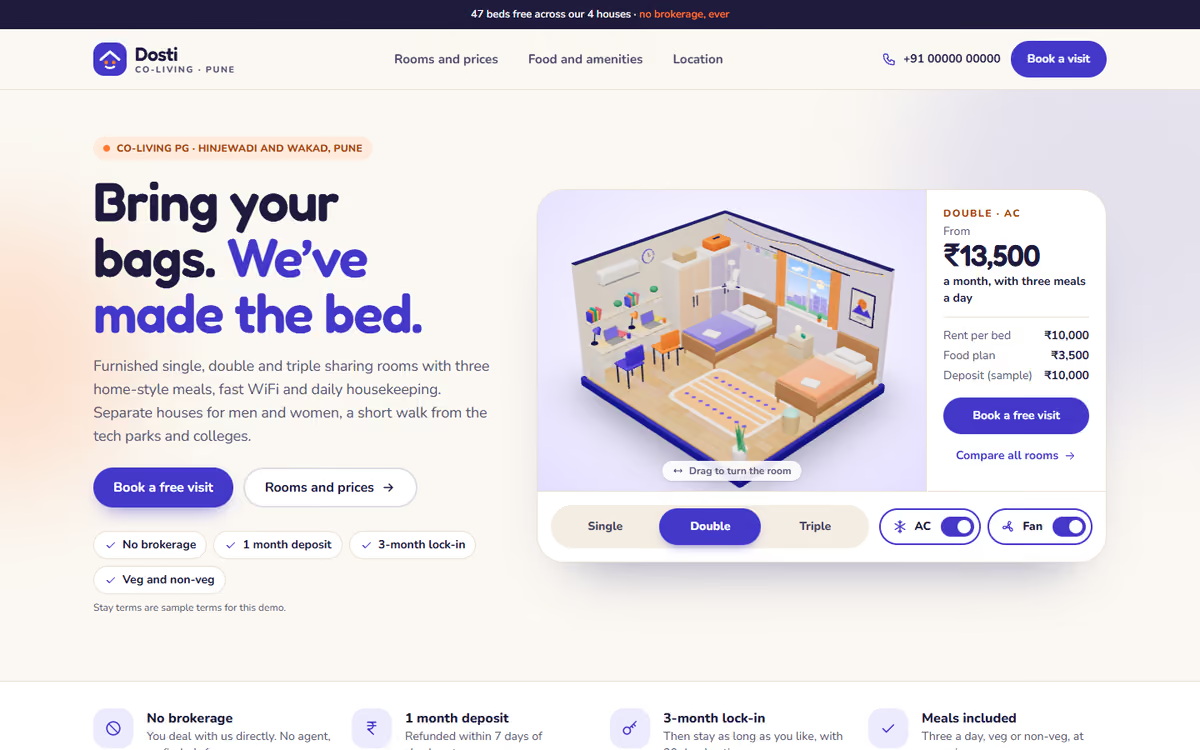
This PG and hostel website template is for paying guest and co-living operators with houses for working professionals and students. The hero is a room in real 3D: the visitor switches between single, double and triple sharing and the beds, desks and wardrobes move into place, and they can turn the AC on to see the price change. It ships with a fictional Pune co-living brand, sample rents and sample terms, so you can click through every page first.
The template has five pages:
- Home: the 3D room with the monthly rent including food, the houses, photos, amenities and sample resident notes.
- Rooms and prices: rooms across the houses with filters for gender, sharing, AC, budget and free beds, and a breakdown of rent, food and electricity.
- Food and amenities: the weekly veg and non-veg menu, amenities, house rules and security.
- Book a visit: an in-person or video visit form, and a three-step flow to reserve a bed with a token amount.
- Location: the houses on a drawn map with routes to tech parks, colleges and the metro, distances, and FAQs for parents and students.
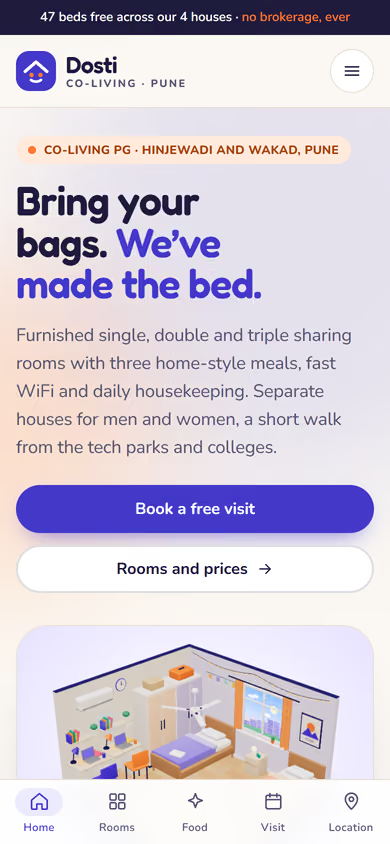
The 3D runs in the browser with no app or plug-in. On phones, a tab bar at the bottom keeps all five pages one tap away.
The static version uses sample rooms, rents and terms, and bookings do not go anywhere yet. When we make it dynamic, your houses, rooms and free beds come from an admin panel, visit requests go to your CRM with a WhatsApp alert, residents pay the token and monthly rent online by UPI, and they can raise complaints from their own login.
Pages included
- HomeView Home
- Rooms and pricesView Rooms and prices
- Food and amenitiesView Food and amenities
- Book a visitView Book a visit
- LocationView Location
Features
- 3D room for single, double and triple sharing with an AC switch
- Room filters for gender, sharing, AC, budget and free beds
- Rent, food and electricity breakdown for each room
- Weekly food menu, amenities, house rules and security
- Visit booking and a reserve-a-bed flow with a token amount
- Map with routes to tech parks, colleges and the metro
- Mobile-first layout with a bottom tab bar on phones
Static template or dynamic site?
- Admin panel for houses, rooms, beds and rents
- Visit requests saved to your CRM, with WhatsApp alerts
- Razorpay / UPI token and monthly rent payments
- Resident logins for rent receipts and complaints
- Real database with daily backups
- Full SEO setup and area landing pages
| Feature | Static template | Dynamic (we build it) |
|---|---|---|
| Content edits | Developer edits code | Admin panel — you edit it yourself |
| Login / users | — | ✓ |
| Forms | Email only | Saved to your CRM, WhatsApp alerts |
| Payments | — | Razorpay / UPI |
| Data | Sample data | Your real data, database and backups |
| SEO | Basic | Full SEO setup and a blog |
Questions about templates
What is the difference between a static and a dynamic template?
A static template is a ready-made design with sample content: it looks finished, but a developer has to edit the code to change anything. A dynamic version is one we build for you, with an admin panel to edit content yourself, logins, forms saved to your CRM with WhatsApp alerts, Razorpay or UPI payments, your real data in a database with backups, and a full SEO setup with a blog.
How does “Make it dynamic” work?
Click “Make it dynamic” on the template you like, tick the extras you want (admin panel, payments, CRM, WhatsApp, SEO, custom domain) and send the form. We call you within one working day, confirm what you need and send you a written quote before any work starts.