
Real-estate listings template
Real estate · Website
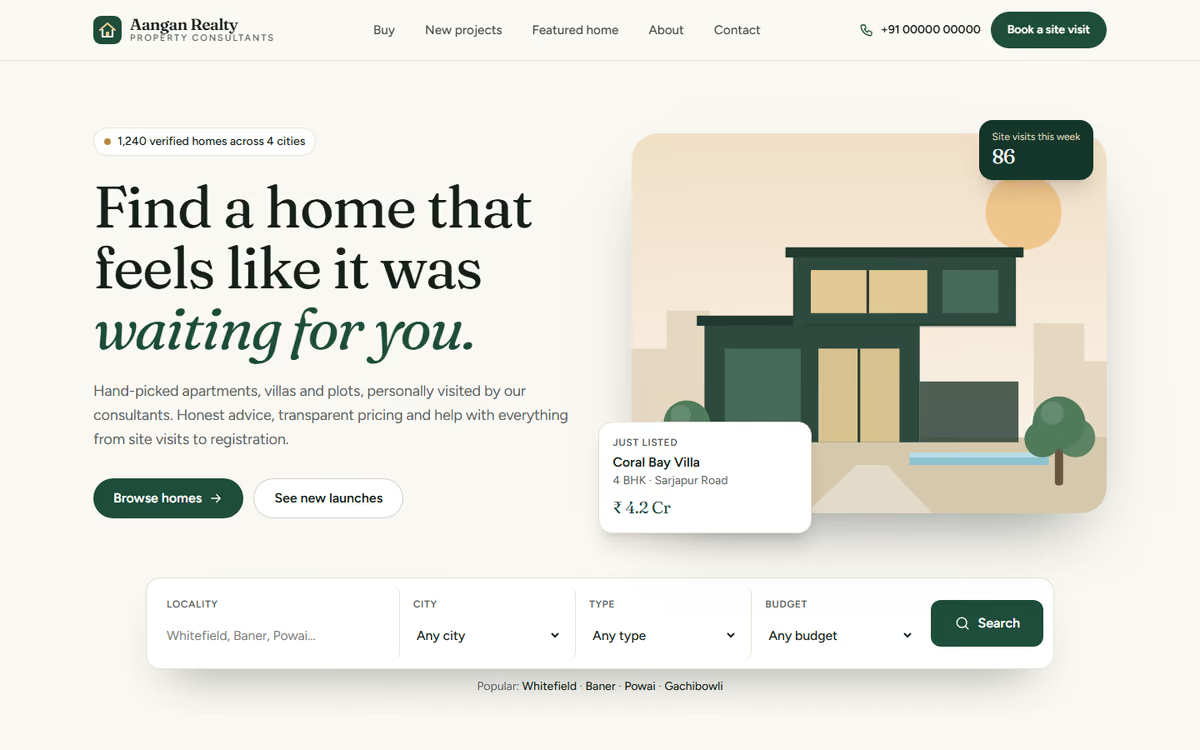
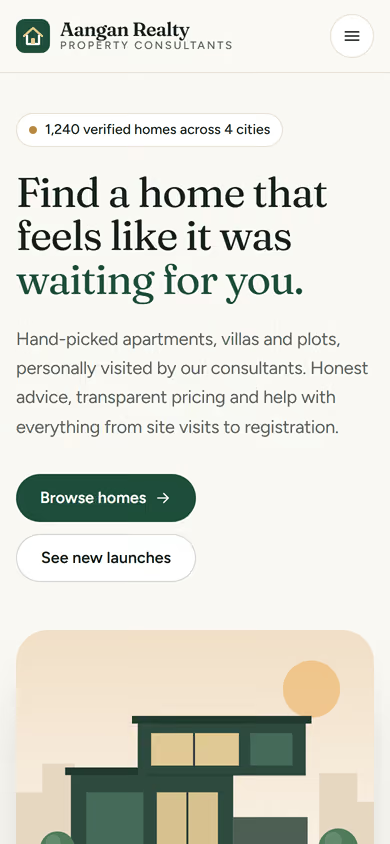
A real estate listings website template for brokers and small developers: property search, detailed listing pages, an about page and an enquiry form. Sample listings only.
What this template is for
This real estate listings website template is for property brokers, agents and small developers who want buyers and tenants to browse listings on their own site and send enquiries straight to them. The properties, prices and locations in the preview are fictional.
The template has five pages:
- Home: featured properties, the localities you cover, and a search by type, budget and location.
- Listings: every property with filters for buy or rent, property type, budget and bedrooms.
- Property detail: photos, price, area, amenities, location map and an enquiry form for that property.
- About: who you are, how long you have worked in the area, and your RERA details.
- Contact: office address, phone, WhatsApp and a general enquiry form.
To make it yours, you would add your listings, photos, localities, logo and RERA registration. Each property page is built to answer the questions buyers ask first, so fewer calls are spent on basics.
In the static version the listings are fixed and enquiries arrive by email. When we make it dynamic, you add and update listings from an admin panel, filters work on your real data, buyers can book site visits, and every enquiry lands in your CRM tagged with the property it came from, with a WhatsApp alert to the right agent. See our custom CRM development and web app development.
Pages included
- HomeView Home
- Homes for saleView Homes for sale
- Property detailsView Property details
- New projectsView New projects
- About usView About us
- ContactView Contact
Features
- Property search by type, budget and location
- Listing filters for buy or rent, type and bedrooms
- Property pages with photos, amenities and a map
- Enquiry form on every property
- Space for RERA details
- Click-to-call and WhatsApp buttons
Static template or dynamic site?
- Admin panel to add, edit and close listings yourself
- Agent logins, with each enquiry routed to the right agent
- Site-visit booking with WhatsApp confirmations
- Enquiries saved to your CRM, tagged with the property
- Real database with daily backups
- Full SEO setup with locality pages and a blog
| Feature | Static template | Dynamic (we build it) |
|---|---|---|
| Content edits | Developer edits code | Admin panel — you edit it yourself |
| Login / users | — | ✓ |
| Forms | Email only | Saved to your CRM, WhatsApp alerts |
| Payments | — | Razorpay / UPI |
| Data | Sample data | Your real data, database and backups |
| SEO | Basic | Full SEO setup and a blog |
Questions about templates
What is the difference between a static and a dynamic template?
A static template is a ready-made design with sample content: it looks finished, but a developer has to edit the code to change anything. A dynamic version is one we build for you, with an admin panel to edit content yourself, logins, forms saved to your CRM with WhatsApp alerts, Razorpay or UPI payments, your real data in a database with backups, and a full SEO setup with a blog.
How does “Make it dynamic” work?
Click “Make it dynamic” on the template you like, tick the extras you want (admin panel, payments, CRM, WhatsApp, SEO, custom domain) and send the form. We call you within one working day, confirm what you need and send you a written quote before any work starts.