
SaaS landing page template
SaaS & startups · Landing page
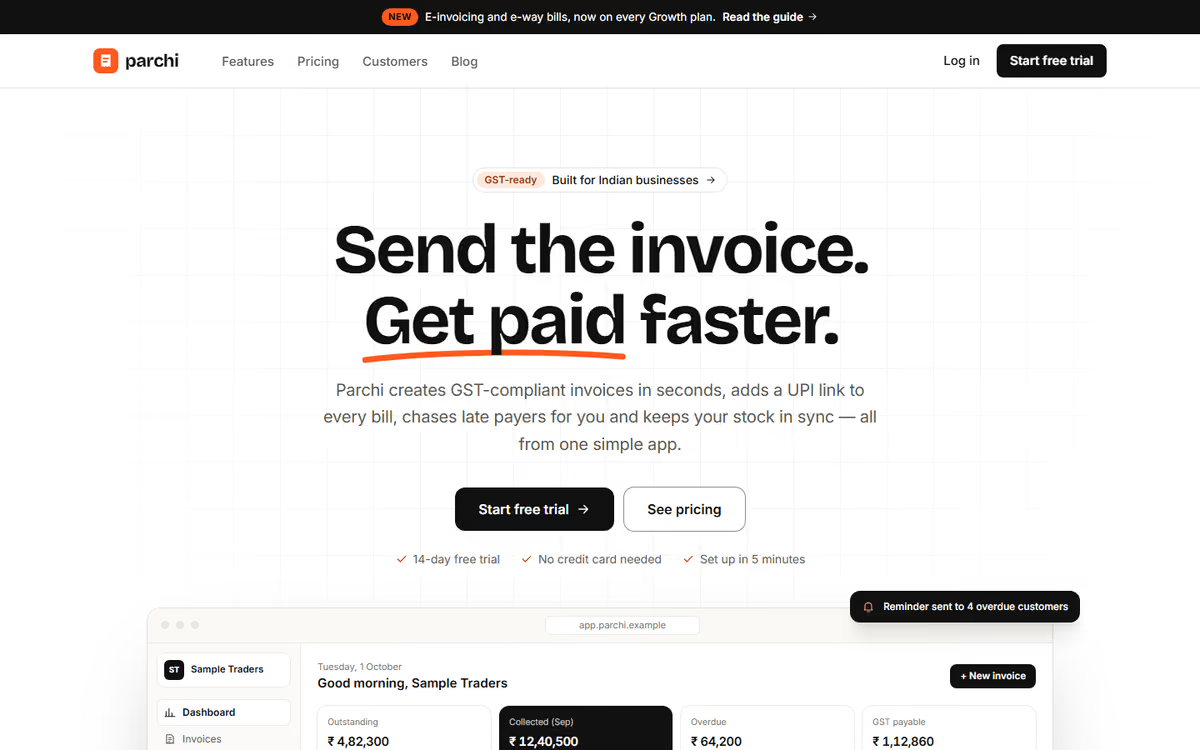
A SaaS landing page template for startups: a clear hero, features, pricing plans, FAQ and a demo booking page. The product in the preview is fictional.
What this template is for
This SaaS landing page template is for founders launching a software product who need a site that explains it clearly and gets visitors to sign up or book a demo. The product, plans and prices in the preview are fictional.
The template has five pages:
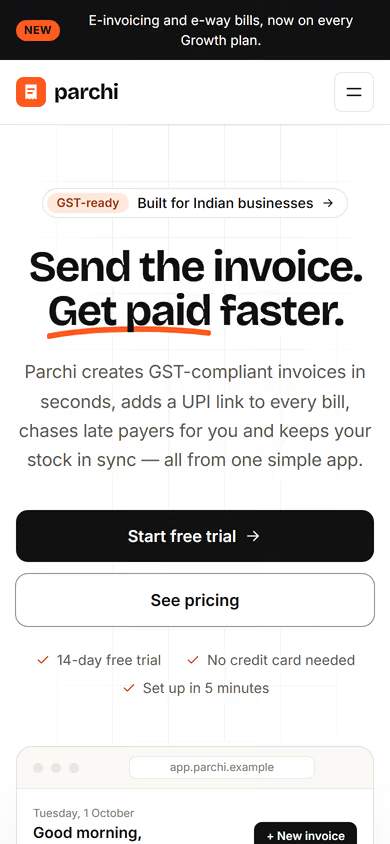
- Home: one clear headline, the problem you solve, a product screenshot, key features and a call to action.
- Features: each feature with a short explanation and a screenshot slot.
- Pricing: plans side by side with what each includes, and monthly or yearly prices.
- FAQ: the questions buyers ask before they sign up.
- Book a demo: a short form for name, email, company and team size.
To make it yours, you would rewrite the headline and features around your product, add real screenshots and set your plans. The structure follows the order most buyers read in: what it is, what it does, what it costs, then how to start.
In the static version the forms only send an email. When we make it dynamic, sign-ups and demo requests are saved to your CRM, plans can take recurring payments through Razorpay, you edit copy and pricing from an admin panel, and we set up full SEO and a blog so the site keeps bringing in visitors after launch. See our web and mobile app development and SEO services.
Pages included
- HomeView Home
- PricingView Pricing
- FeaturesView Features
- CustomersView Customers
- Sign upView Sign up
- BlogView Blog
Features
- Hero with one clear headline and call to action
- Features page with screenshot slots
- Pricing table with monthly and yearly options
- FAQ page
- Demo booking form
- Fast load times and clean SEO tags
Static template or dynamic site?
- Sign-ups and demo requests saved to your CRM, with WhatsApp or email alerts
- Recurring payments for plans through Razorpay / UPI
- Admin panel to edit copy, features and pricing yourself
- Customer logins linked to your product
- Real database with backups
- Full SEO setup and a blog
| Feature | Static template | Dynamic (we build it) |
|---|---|---|
| Content edits | Developer edits code | Admin panel — you edit it yourself |
| Login / users | — | ✓ |
| Forms | Email only | Saved to your CRM, WhatsApp alerts |
| Payments | — | Razorpay / UPI |
| Data | Sample data | Your real data, database and backups |
| SEO | Basic | Full SEO setup and a blog |
Questions about templates
What is the difference between a static and a dynamic template?
A static template is a ready-made design with sample content: it looks finished, but a developer has to edit the code to change anything. A dynamic version is one we build for you, with an admin panel to edit content yourself, logins, forms saved to your CRM with WhatsApp alerts, Razorpay or UPI payments, your real data in a database with backups, and a full SEO setup with a blog.
How does “Make it dynamic” work?
Click “Make it dynamic” on the template you like, tick the extras you want (admin panel, payments, CRM, WhatsApp, SEO, custom domain) and send the form. We call you within one working day, confirm what you need and send you a written quote before any work starts.