
Clinic booking site template
Healthcare · Website
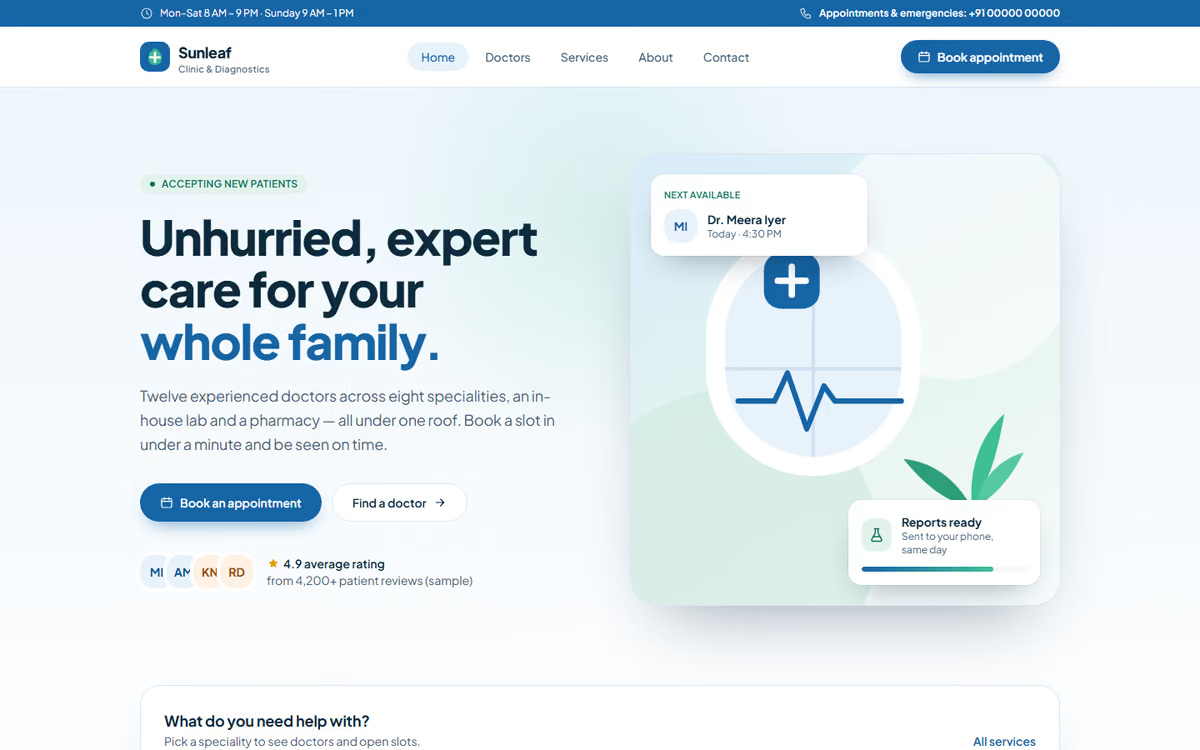
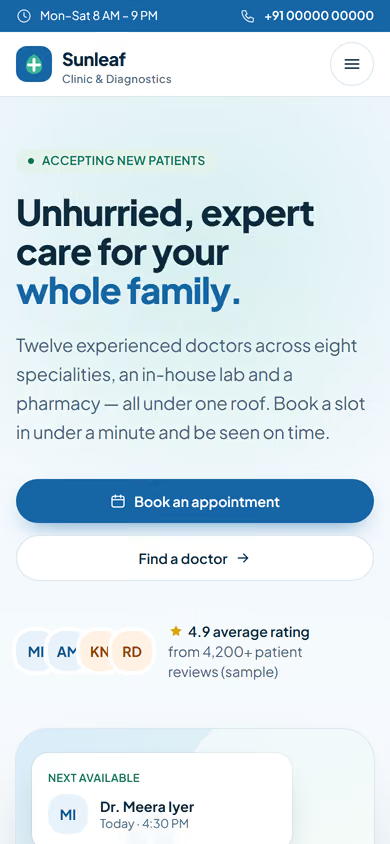
A clinic booking website template for doctors and small clinics: doctor profiles, treatments, an appointment form and contact details. All doctors and data are fictional.
What this template is for
This clinic booking website template is for single-doctor practices, dental and skin clinics, physiotherapy centres and small multi-doctor clinics. Patients want three things from a clinic site: who the doctors are, what the clinic treats, and how to book. This template puts those first. The doctors, timings and treatments in the preview are fictional.
The template has five pages:
- Home: the clinic, its timings, the main treatments and a booking button that stays in reach.
- Doctors: a profile for each doctor with qualifications, specialities and consulting days.
- Treatments: what the clinic treats, explained in plain language patients can follow.
- Book appointment: choose a doctor, a date and a time, then leave your name and phone number.
- Contact: address, map, phone, WhatsApp and directions.
To make it yours, you would add your doctors, real timings, treatments, photos of the clinic and your address. We keep the copy short and the booking path to a few taps, because most patients book from a phone.
In the static version the booking form only sends an email. When we make it dynamic, it shows the real free slots for each doctor, confirms bookings and sends reminders on WhatsApp or SMS, lets you take a consultation fee by Razorpay or UPI, and gives your front desk an admin panel for schedules and leave. Patient details are stored with consent, in a database with backups. See how we build custom web and mobile apps and the clinic booking app concept we built around this template.
Pages included
- HomeView Home
- Our doctorsView Our doctors
- Services & specialitiesView Services & specialities
- Book an appointmentView Book an appointment
- About the clinicView About the clinic
- Contact & timingsView Contact & timings
Features
- Doctor profiles with qualifications and consulting days
- Treatments page in plain language
- Appointment form with doctor, date and time
- Booking button kept in reach on mobile
- Click-to-call, WhatsApp and map directions
- Basic SEO tags on every page
Static template or dynamic site?
- Real appointment slots per doctor, so two patients never get the same time
- WhatsApp or SMS booking confirmations and reminders
- Consultation fee by Razorpay / UPI
- Admin panel for doctor schedules, leave and holidays
- Patient logins to see and change their appointments
- Bookings saved in a real database with backups and consent records
- Full SEO setup and a blog for local search
| Feature | Static template | Dynamic (we build it) |
|---|---|---|
| Content edits | Developer edits code | Admin panel — you edit it yourself |
| Login / users | — | ✓ |
| Forms | Email only | Saved to your CRM, WhatsApp alerts |
| Payments | — | Razorpay / UPI |
| Data | Sample data | Your real data, database and backups |
| SEO | Basic | Full SEO setup and a blog |
Questions about templates
What is the difference between a static and a dynamic template?
A static template is a ready-made design with sample content: it looks finished, but a developer has to edit the code to change anything. A dynamic version is one we build for you, with an admin panel to edit content yourself, logins, forms saved to your CRM with WhatsApp alerts, Razorpay or UPI payments, your real data in a database with backups, and a full SEO setup with a blog.
How does “Make it dynamic” work?
Click “Make it dynamic” on the template you like, tick the extras you want (admin panel, payments, CRM, WhatsApp, SEO, custom domain) and send the form. We call you within one working day, confirm what you need and send you a written quote before any work starts.